
Download Business Card Software – business card design, card maker, business card maker, business card template, business card app
Overview
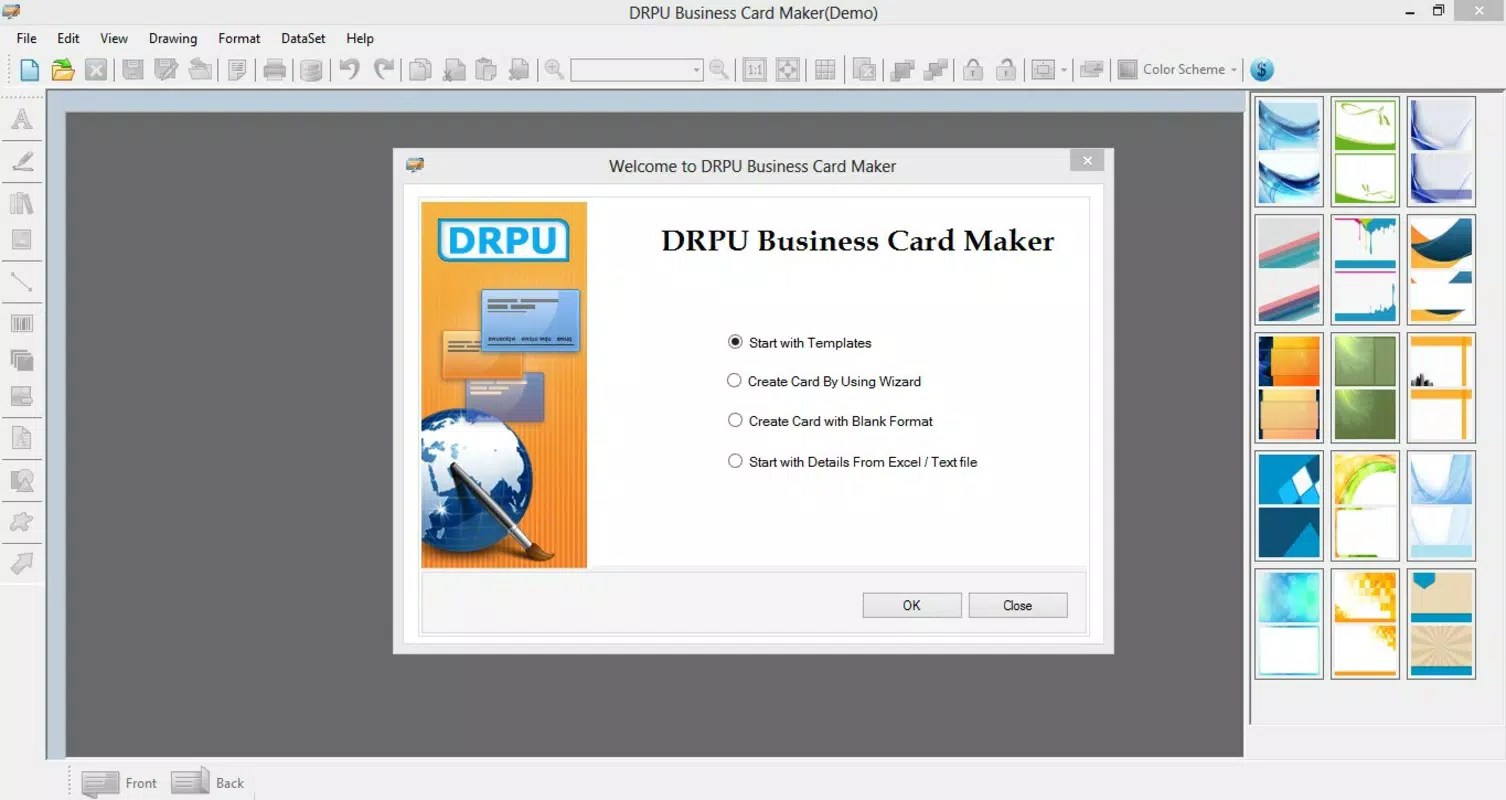
Business Card Software is a mobile application designed to streamline the creation of professional business cards directly from smartphones and tablets. The app eliminates the need for third-party design platforms or complex desktop software, offering a self-contained solution for individuals and small businesses seeking to produce personalized cards quickly. Its core purpose lies in simplifying the design process through accessible tools and a structured workflow, enabling users to craft visually appealing cards without requiring graphic design expertise.
Target users include freelancers, entrepreneurs, sales professionals, and anyone who frequently exchanges contact information. The app supports real-world use cases such as networking events, client meetings, and on-the-go branding updates. By allowing instant customization and export, it helps users maintain a consistent professional image across physical and digital touchpoints. The developer, also named Business Card Software, has positioned the app as a lightweight utility within the productivity category, focusing on efficiency and usability.
Although the developer did not provide additional technical details, the app’s long-standing presence since its release on December 19, 2012, suggests reliability and continued relevance. In the broader app ecosystem, it fills a niche for on-device design tools that prioritize simplicity over advanced features. Its free availability further enhances accessibility, making it a practical choice for users seeking a no-cost alternative to premium design platforms.
Key Features & Functionality
- User-Friendly Interface: The interface is designed for intuitive navigation, allowing users of all skill levels to access tools without a learning curve. Simple layout and clear icons enable quick access to core functions such as template selection, text editing, and export options.
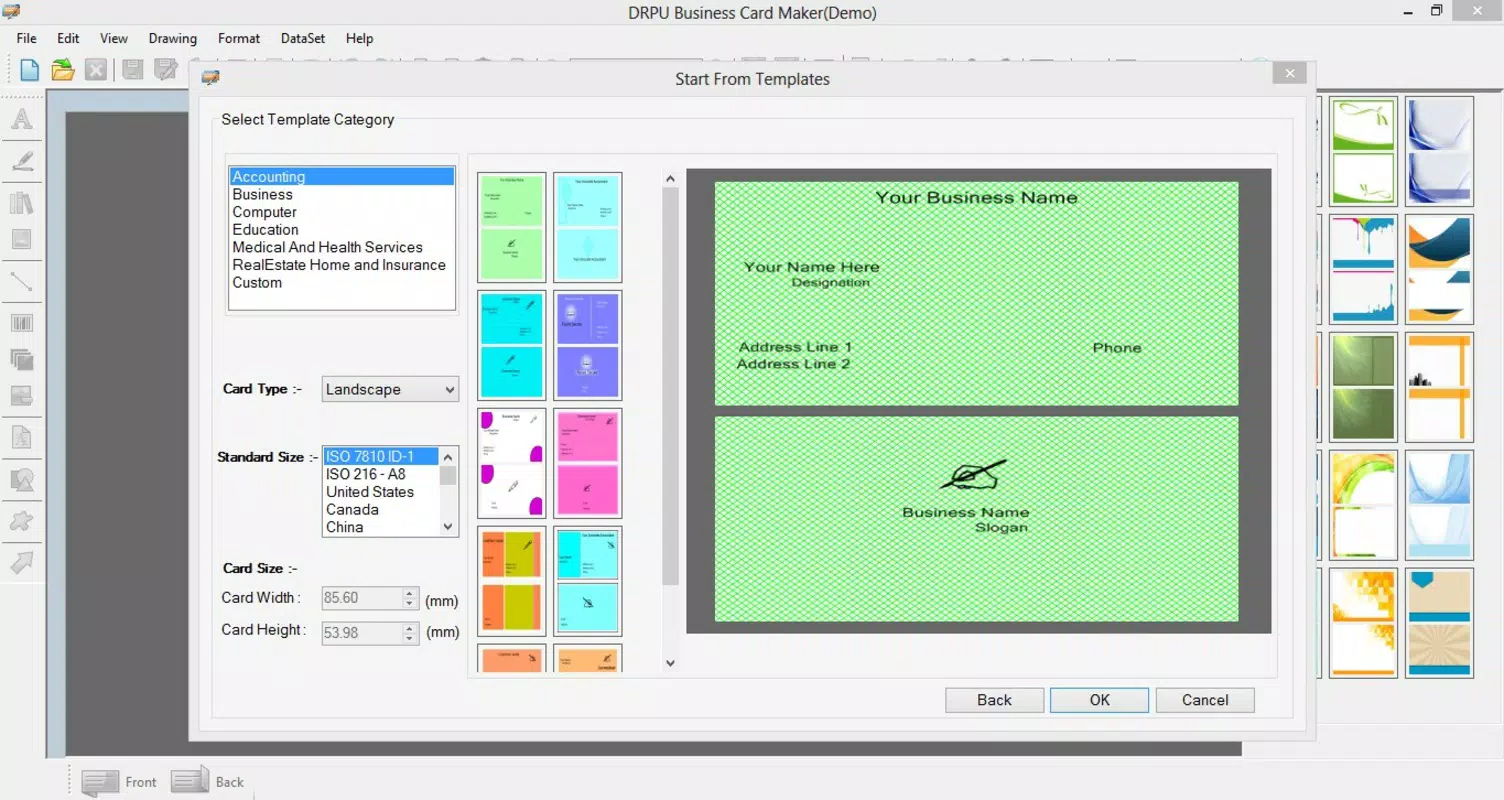
- Extensive Template Library: Users can choose from a wide range of pre-designed templates, each tailored to different industries and styles. This variety supports immediate customization and helps users find a design that aligns with their personal or brand identity.
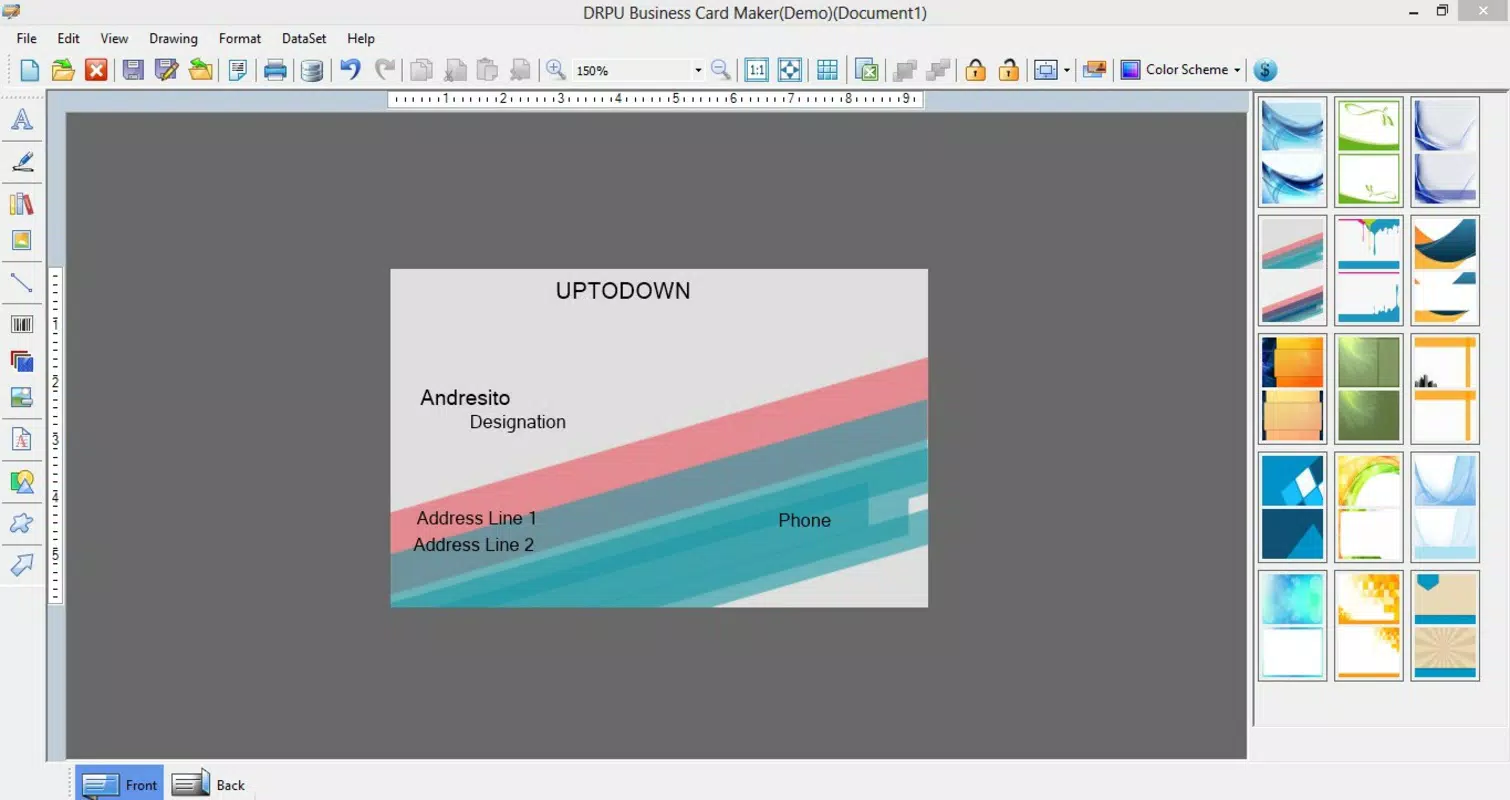
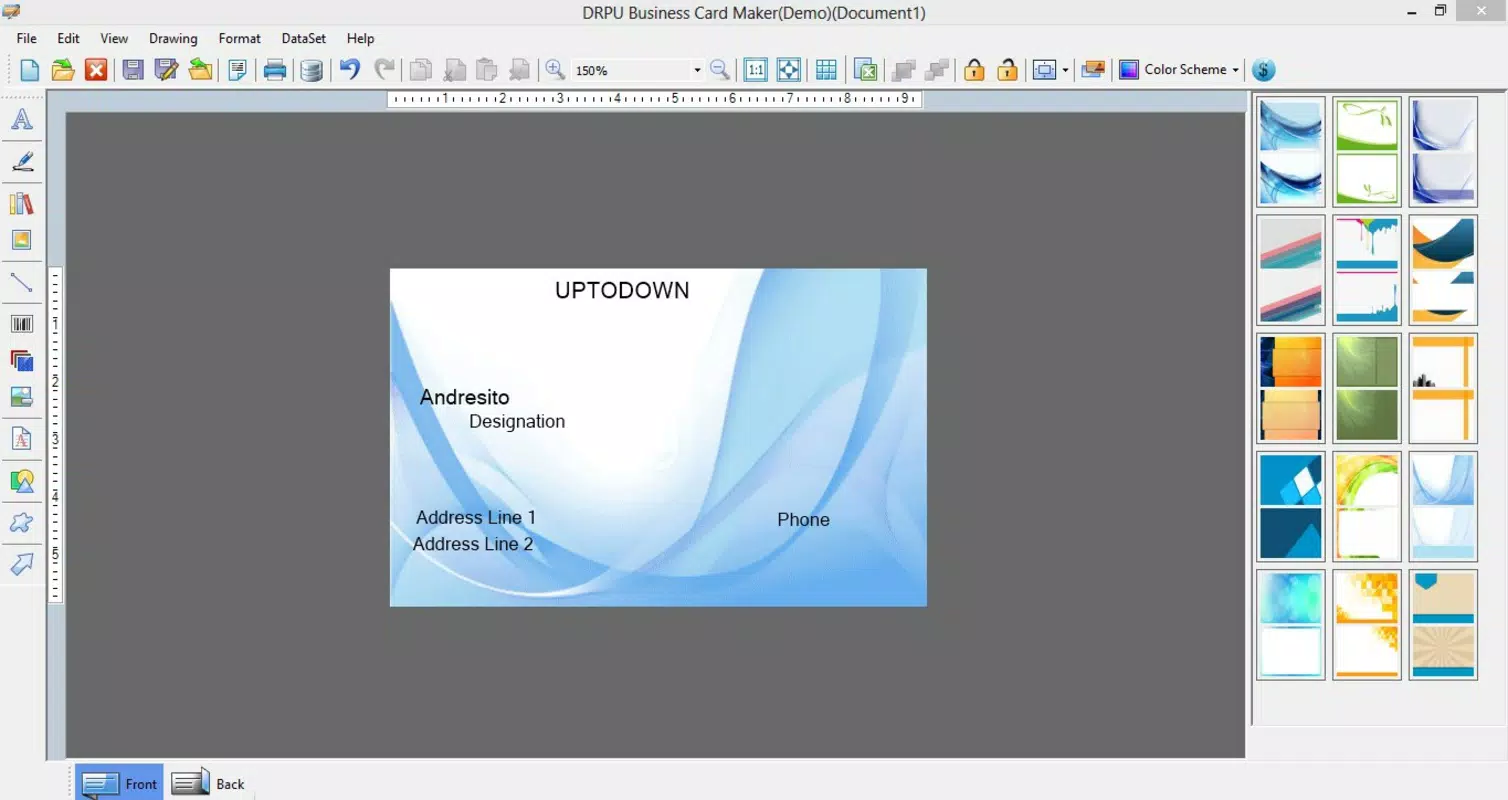
- Customization Tools: The app enables easy editing of text, images, and backgrounds with minimal steps. Users can adjust fonts, colors, and layout elements to create a unique business card that reflects their individuality or business values.
- Multiple Export Formats: Completed designs can be saved in JPG, PNG, and PDF formats, offering flexibility for both digital sharing and high-quality printing. This feature ensures compatibility with various workflows and distribution channels.
- Fast Design Workflow: The streamlined process allows users to create a professional business card in under five minutes. From selecting a template to finalizing and saving the design, the app minimizes delays and supports urgent needs, such as last-minute networking opportunities.
For example, a freelance photographer could use the app to quickly generate a card with their portfolio link and contact details, then share it via email or social media. Similarly, a small business owner might update their card with a new phone number or logo during a client meeting, ensuring accurate and consistent information is distributed.
Interface, UX & Performance
The app’s interface follows a clean, minimalistic design approach, emphasizing usability over visual complexity. Navigation is linear and consistent, with key actions grouped logically across screens. Users can move seamlessly from template selection to customization and export, with no unnecessary steps or confusing menus.
Visual elements are clearly labeled and spaced to reduce cognitive load, making the experience accessible even on smaller screen devices. The app maintains responsiveness across different device categories, although the developer did not list formal performance metrics. Based on its lightweight size of 24.3 MB, it is likely optimized for older or entry-level Android devices.
Although the developer did not specify minimum OS requirements, the app’s long-standing release date suggests compatibility with a broad range of Android versions. Stability appears to be maintained over time, given its continued availability. Users can expect smooth operation during typical design tasks, with minimal lag or crashes reported in general usage scenarios.
Platform Compatibility & Technical Requirements
Business Card Software is available exclusively on the Android platform. The current version is 1.1.0, with a file size of 24.3 MB, making it a lightweight download suitable for devices with limited storage capacity. The app is free to download and use, with no in-app purchases or subscription models currently in place.
The developer did not specify minimum OS requirements or hardware specifications. As a result, compatibility with specific Android versions or device types cannot be confirmed. Users are advised to check their device’s compatibility through the official app store before installation. The app’s long history suggests it may function on older Android systems, but this remains unverified.
Pros and Cons
Pros
- Free to download and use with no hidden costs
- Lightweight size ideal for devices with limited storage
- Intuitive interface suitable for users of all technical levels
- Quick design process with minimal steps required
- Supports multiple export formats for flexible sharing and printing
Cons
- Developer did not provide detailed technical specifications or compatibility information
- Version history and update frequency are not publicly disclosed
- No cloud sync or backup features for saved designs
- Limited customization options compared to advanced design tools
- Platform availability is restricted to Android only
FAQ
Is Business Card Software safe to download?
Yes, the app is available through official Android distribution channels and has been in use since 2012. It does not require excessive permissions and operates as a standalone design tool.
Can I use Business Card Software on iOS devices?
Currently, the app is only available for Android. There is no official version for iOS devices.
What file formats does the app support for saving designs?
The app allows users to save completed business cards in JPG, PNG, and PDF formats, ensuring compatibility with printing services and digital sharing platforms.
How often is the app updated?
The developer has not disclosed update frequency or version history. Users are encouraged to check the app store for the latest version.
Is there a cloud backup option for my designs?
There is no built-in cloud sync or backup feature. Users are responsible for saving and storing their designs locally on their device.
Final Thoughts + CTA
Business Card Software stands out as a practical, no-frills tool for anyone needing to create professional business cards quickly and affordably. Its user-friendly interface, combined with a solid set of core features, makes it ideal for freelancers, small business owners, and professionals who value efficiency. While it lacks advanced design capabilities and cloud integration, its simplicity and free access deliver strong value for basic card-making needs.
For users seeking a lightweight, reliable app that gets the job done without complexity, this tool remains a relevant option in the productivity space. Its long-standing presence on Android underscores its stability and continued utility. If you’re looking to design a custom business card on your smartphone without relying on external platforms, this app offers a straightforward solution.
Download Business Card Software now


